Chaperone Help Center

Web Portal Guide

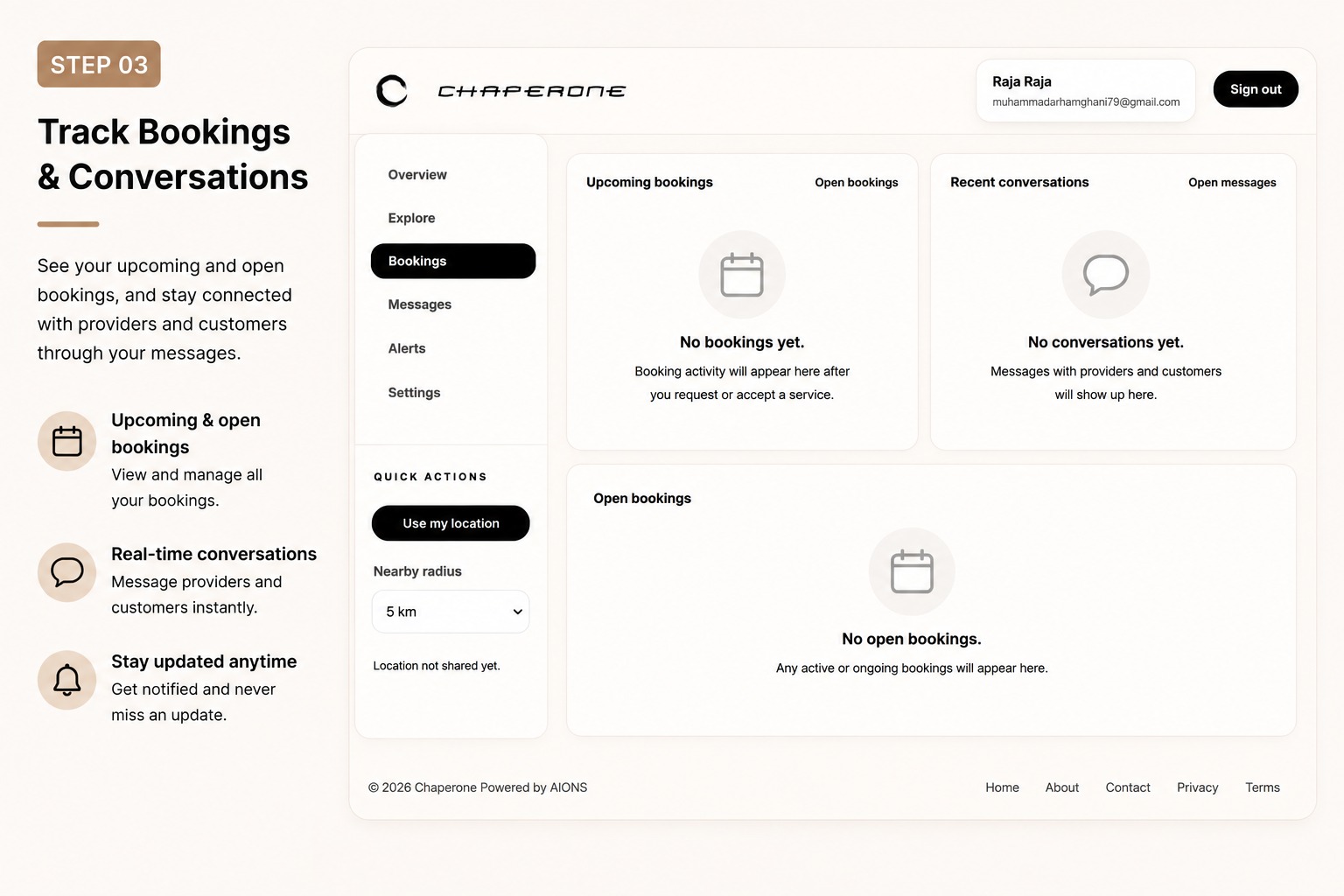
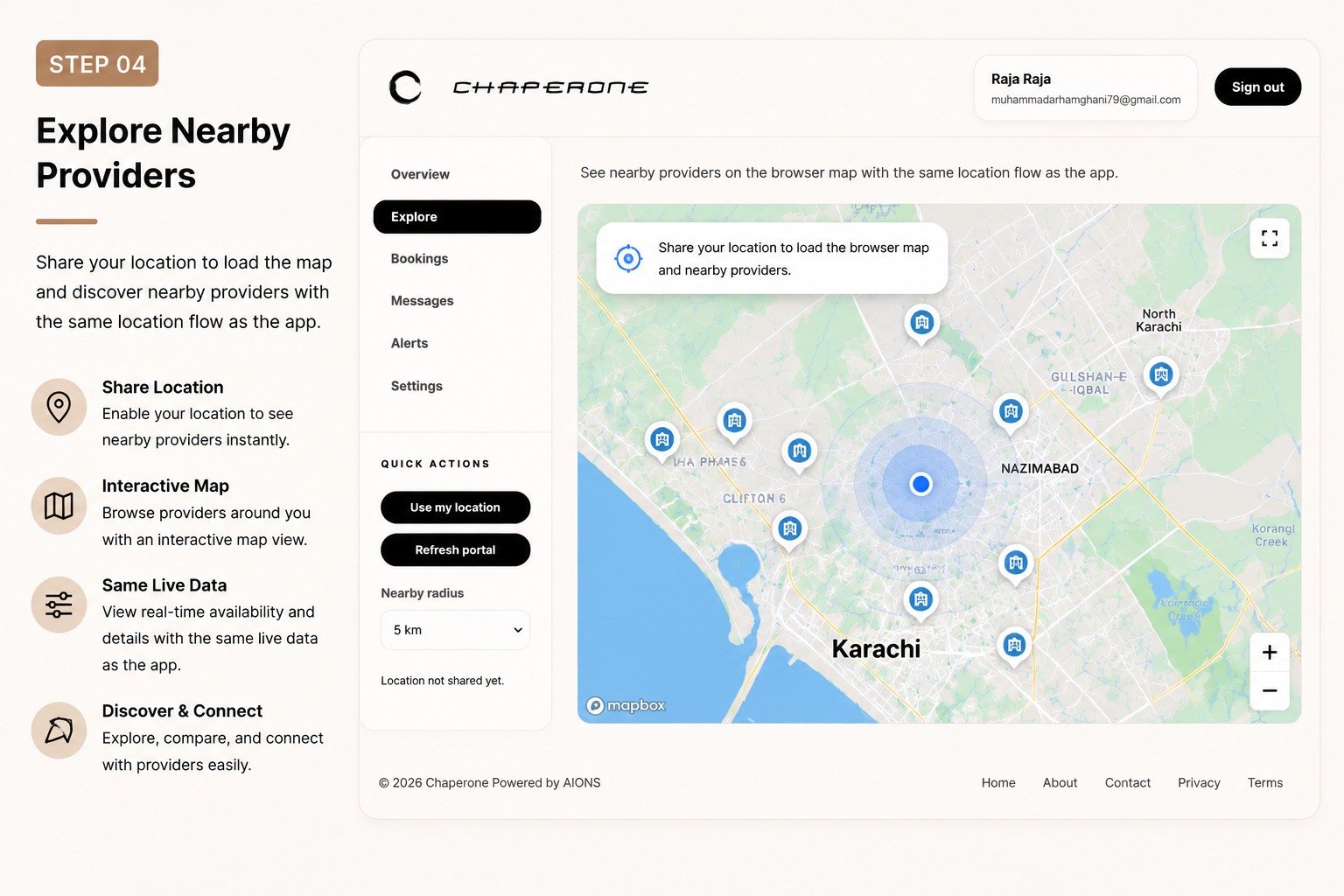
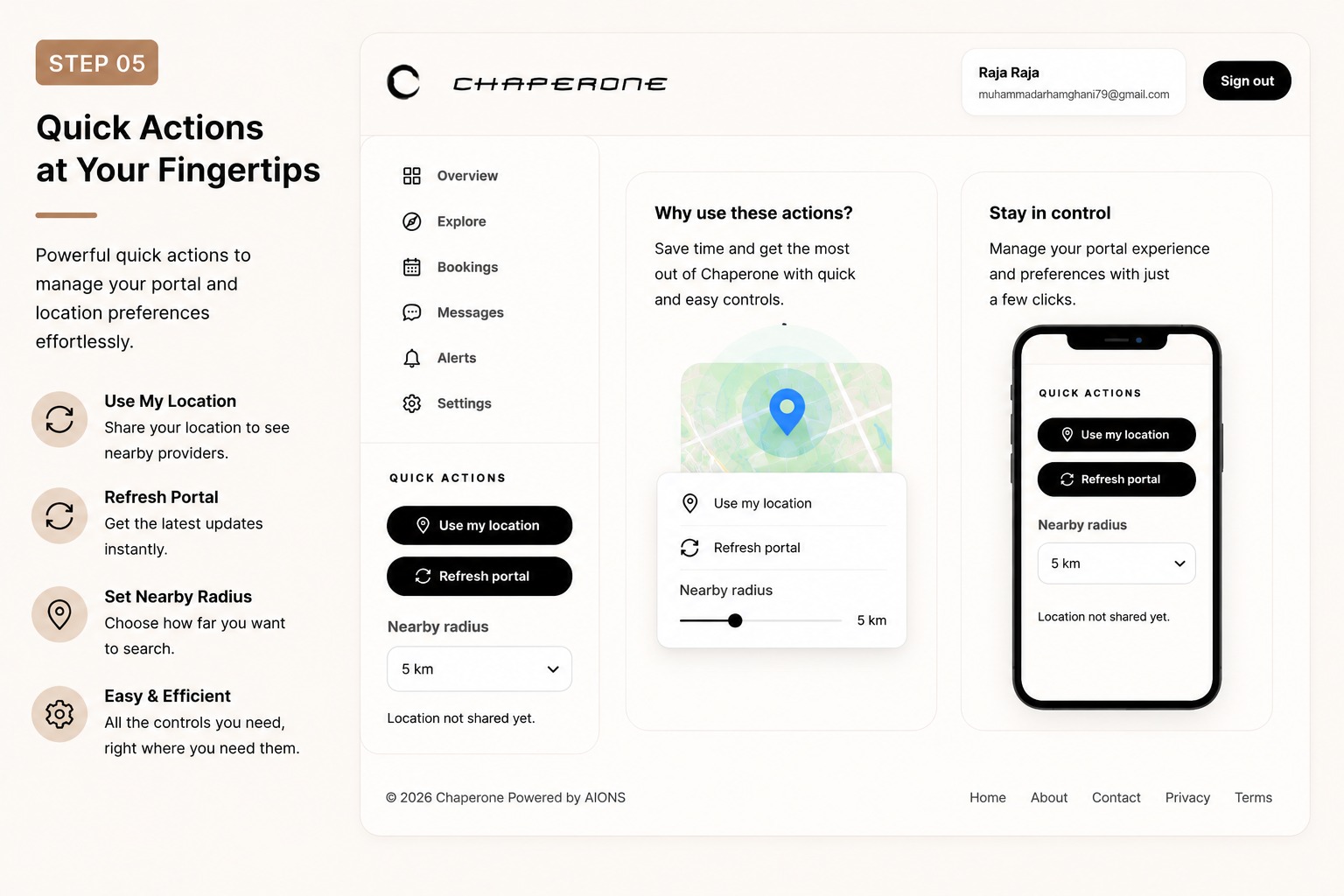
Follow the five steps below to access your account, manage bookings, find providers, and use the portal’s quick actions.
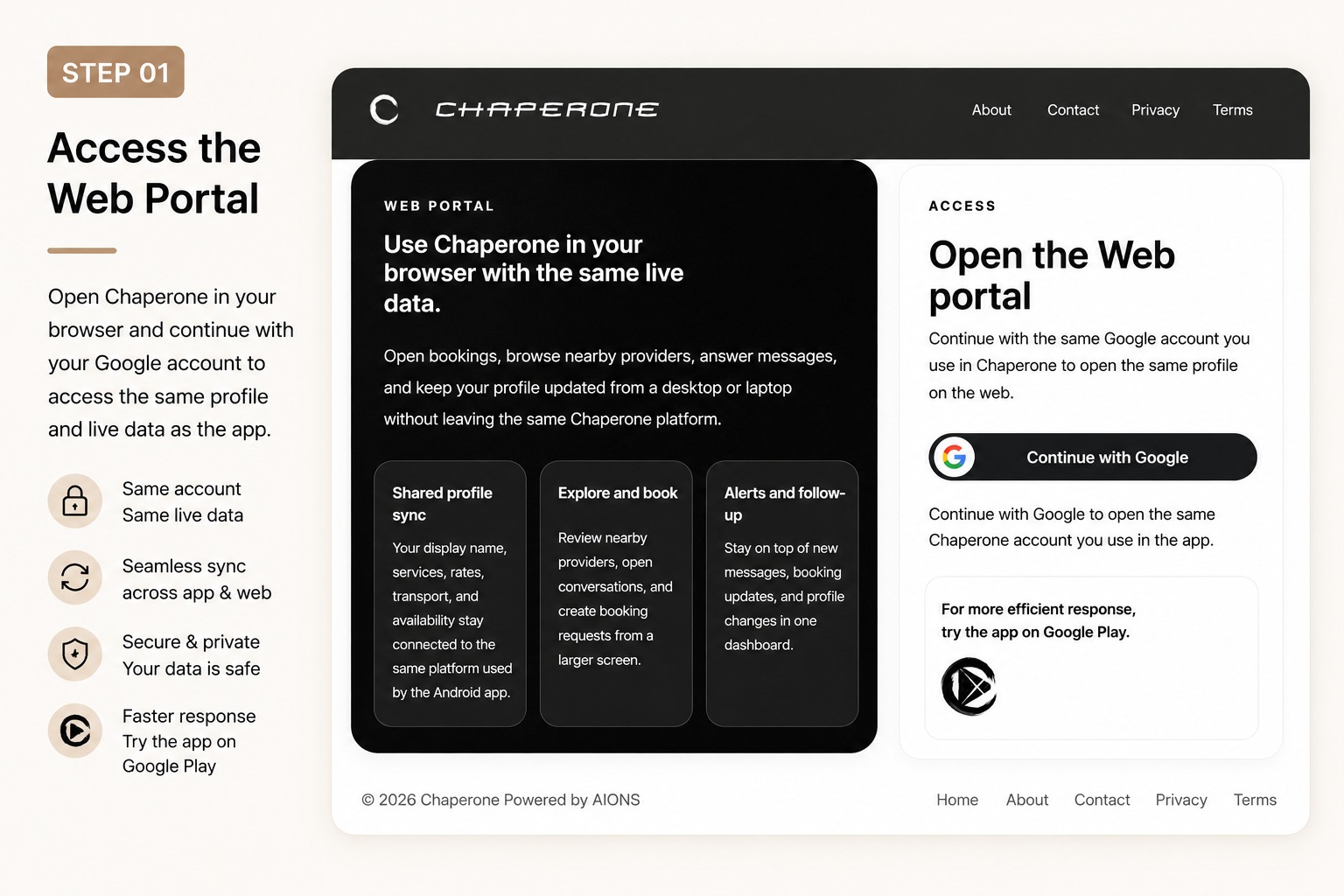
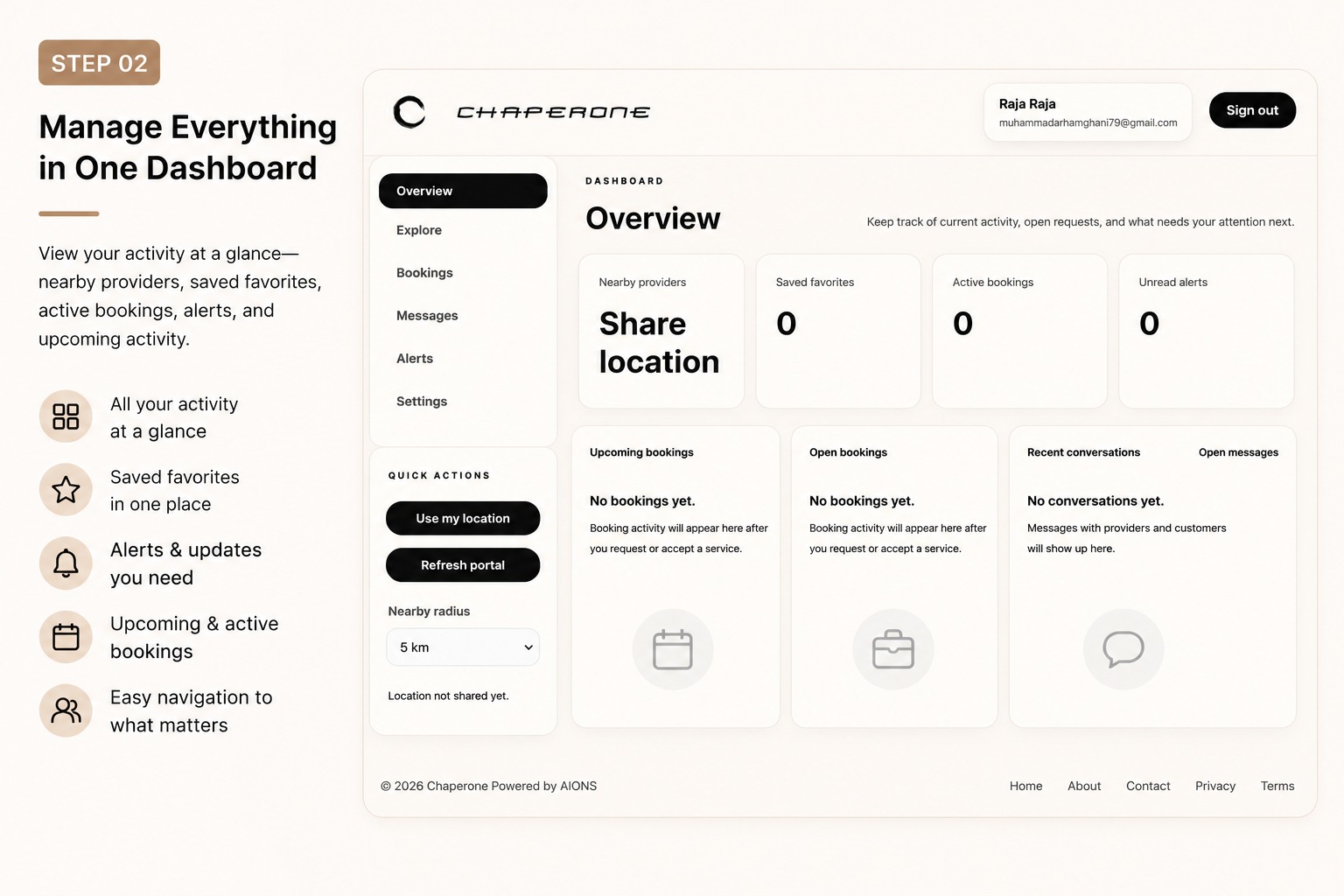
Step 1: Access the Chaperone web portal Step 2: Manage everything in one dashboard Step 3: Track bookings and conversations Step 4: Explore nearby providers Step 5: Use quick actions
01 / 05

Access the Web Portal

Use the arrow keys to move between steps.